

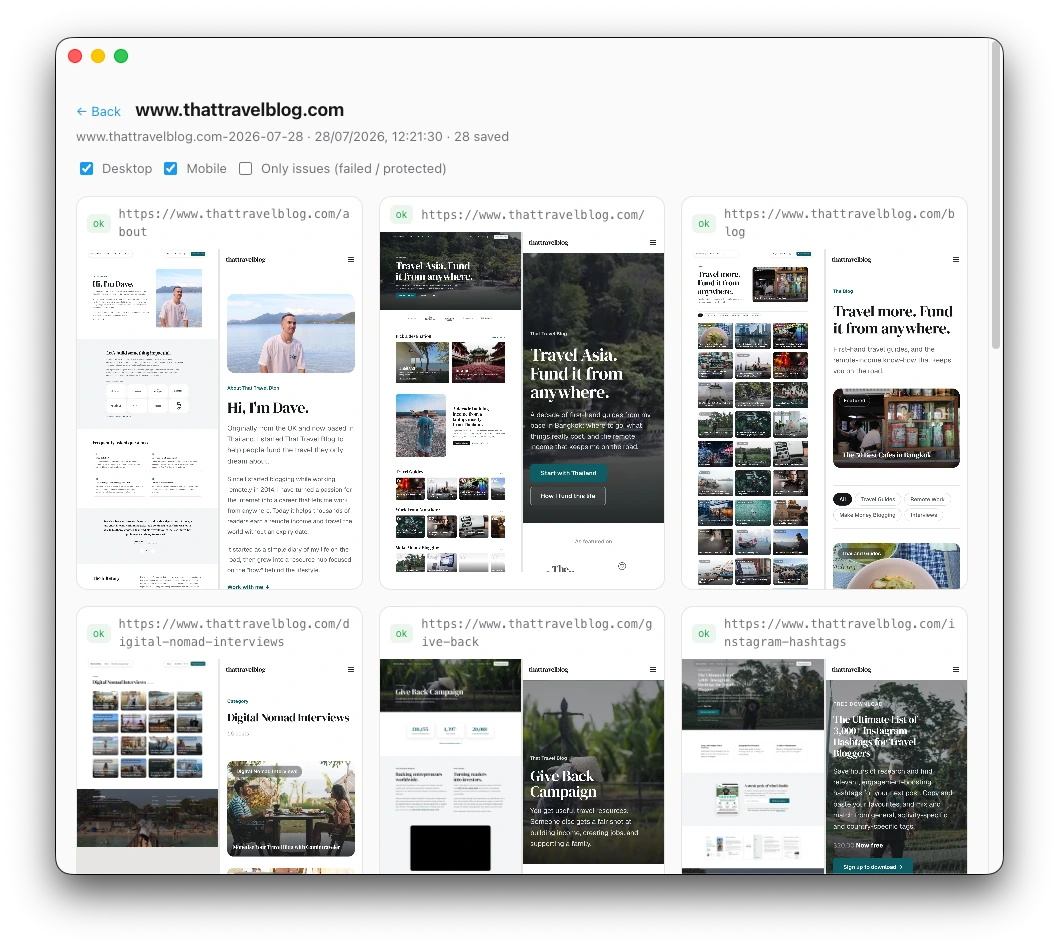
Sitemap in, folder out
The whole site, not one page at a time
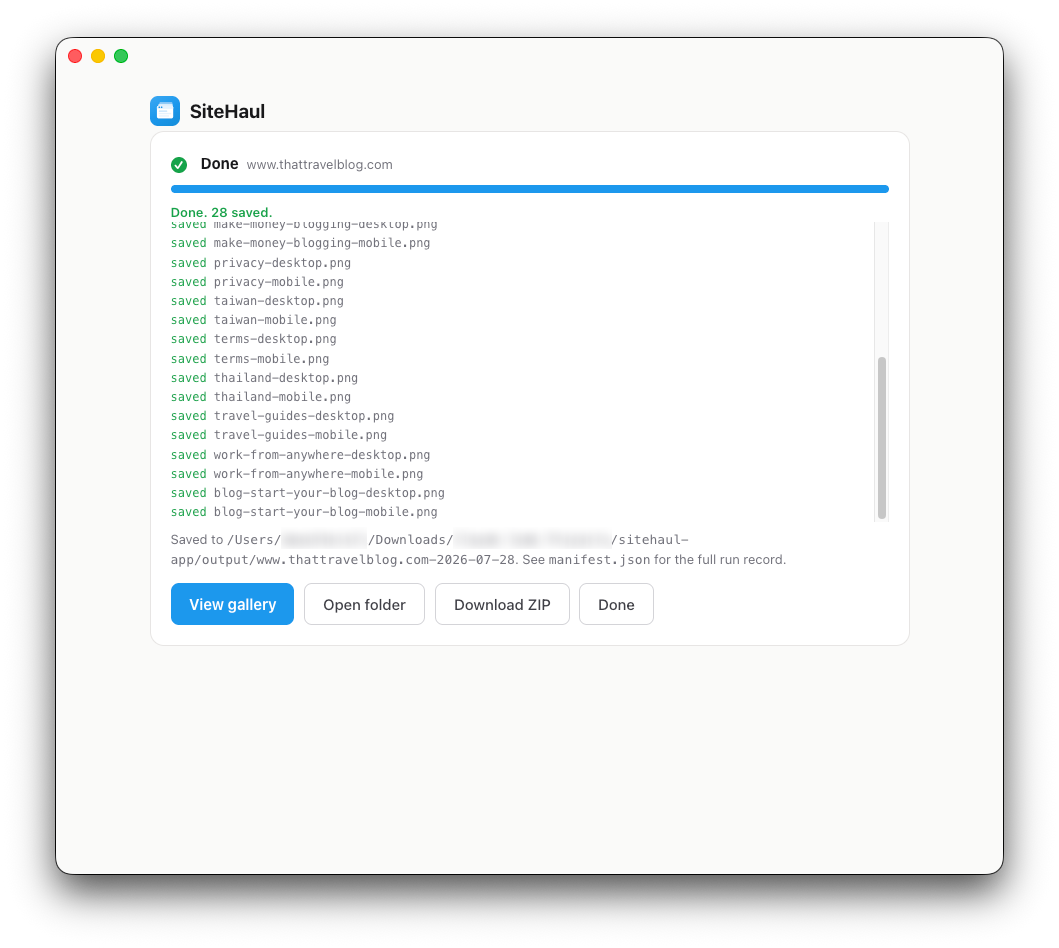
Paste a URL and SiteHaul finds the sitemap, then captures every page you keep at desktop and mobile sizes, named from each URL.
Full-site screenshots for Mac
A complete snapshot of any website: every page, at desktop and mobile sizes, in one tidy folder on your Mac. Built for moodboards, portfolios, and a visual record before a rebuild.
Free to try, 10 pages a month$49 once to unlock unlimited pages
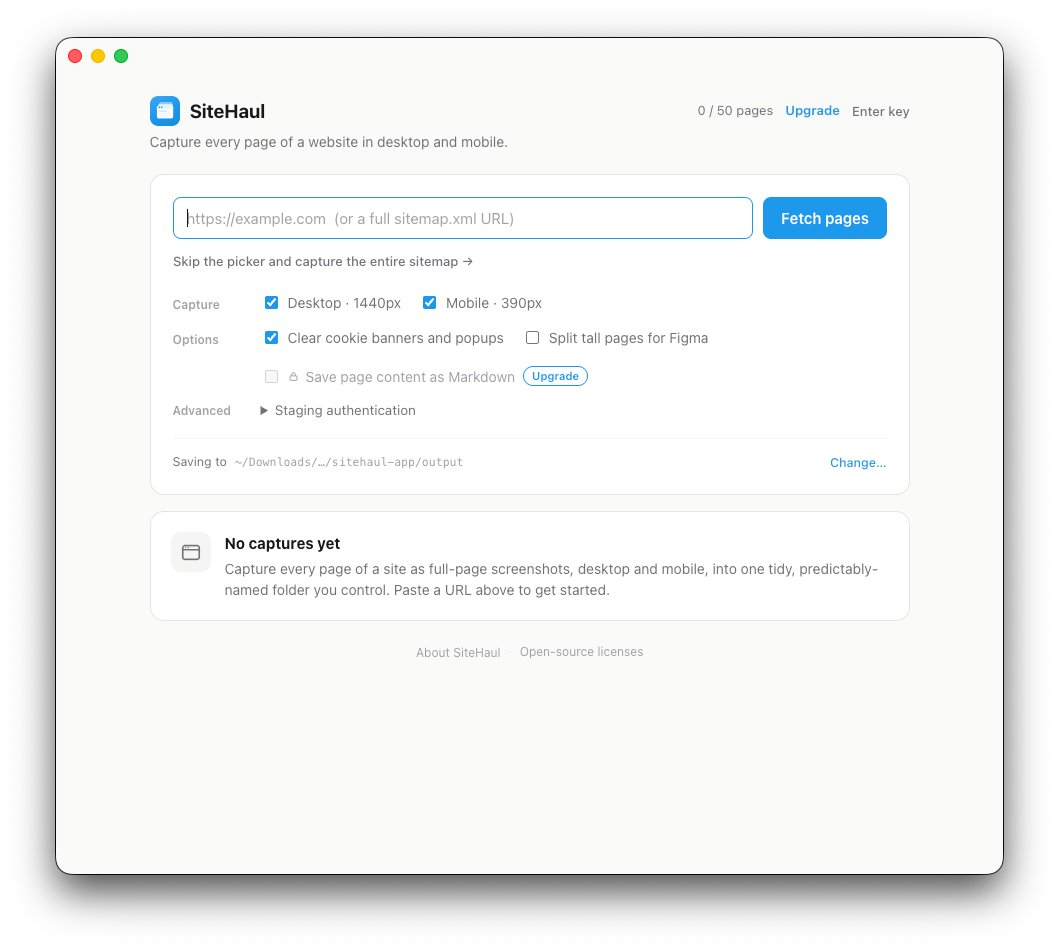
SiteHaul finds every page for you. No setup, no crawling config.
Untick what you don't need, or capture the entire site in one click.
Every page, desktop and mobile, in one tidy folder. Minutes, not an afternoon.
Sitemap in, folder out
Paste a URL and SiteHaul finds the sitemap, then captures every page you keep at desktop and mobile sizes, named from each URL.
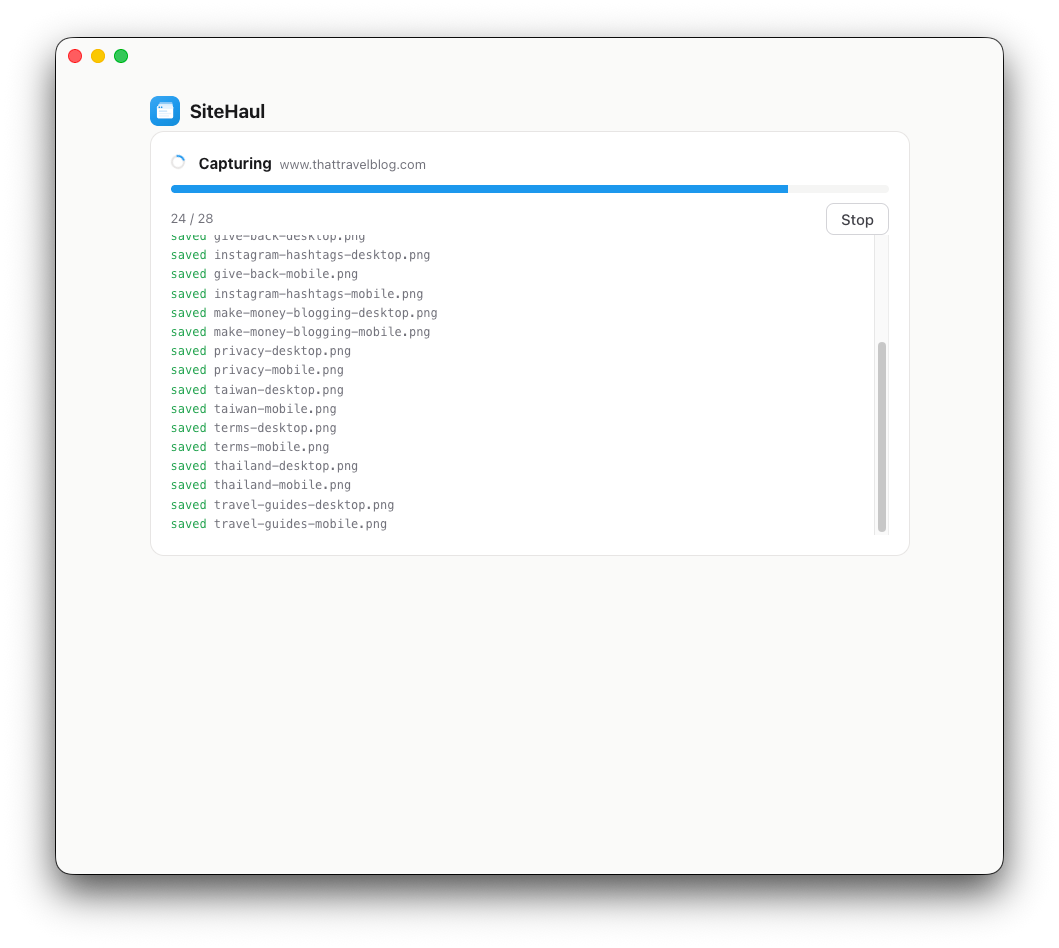
Built for real websites
Cookie banners get clicked so the embeds they gate load, lazy images are forced in, animations are frozen, and login walls are flagged rather than screenshotted.
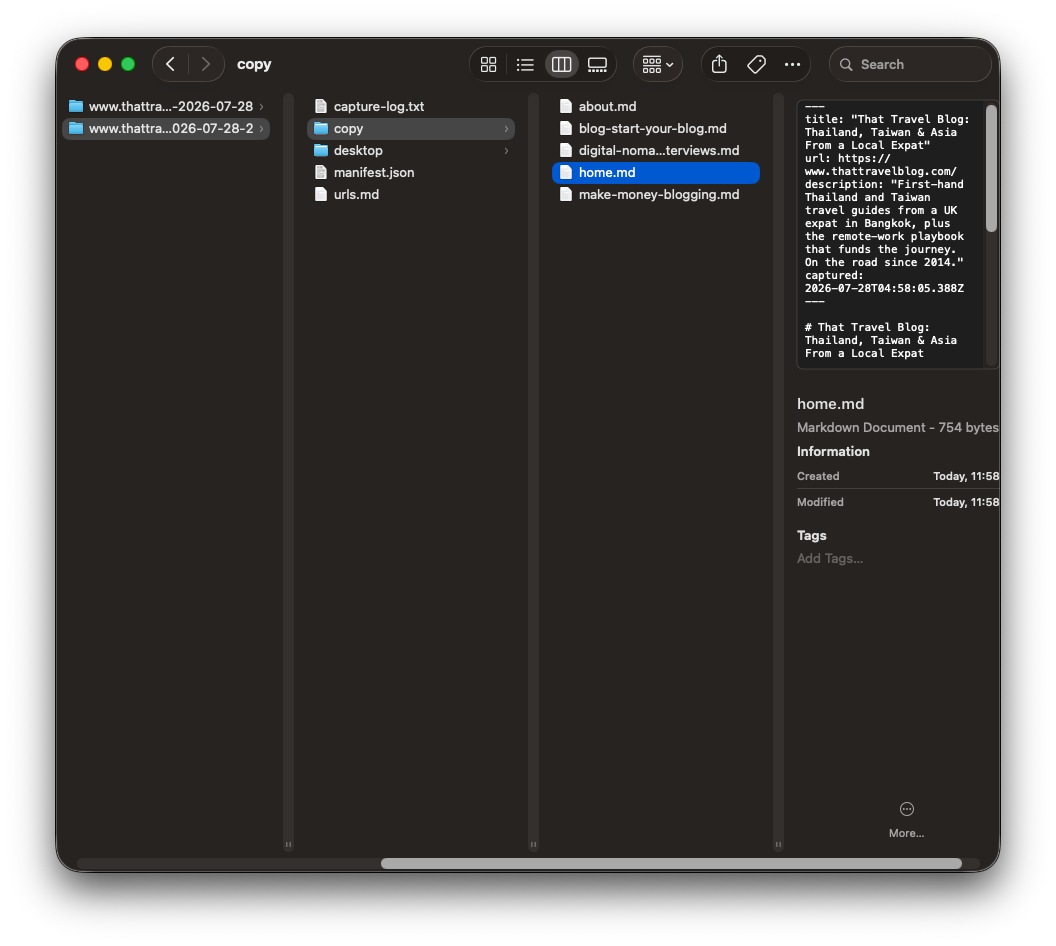
Markdown and URL exports
Every page's copy as Markdown with the lifetime license, plus a free URL list grouped by type that becomes your redirect map when you replatform.
No server, no account
Nothing is uploaded. Client sites, staging behind a password, and unreleased work all stay in folders you control.
“I used to spend hours each week screenshotting webpages in a messy workflow. Now I use SiteHaul and it's so much quicker!”
You reach for a tool like this in bursts, not every day, so a monthly fee never felt right.
$0
$49 once
Notarized by Apple. Opens cleanly, no security warnings.
Apple silicon · macOS 12 or later.

I design and build websites, and I kept screenshotting them a page at a time. Once at desktop and again at mobile, then renaming every file. If I needed the words as well, that was another pass, pasting the copy out of every page. That is an afternoon of work, on every project.
So I built the Mac app I wanted. Point it at a site, get every page at both sizes, named from the URL, in one folder you can drop straight into Figma or add to your portfolio, with the copy as Markdown. And it all runs on your Mac.
Dave Weatherall, web design and development
Point SiteHaul at a sitemap and get every page, desktop and mobile, in one run. 10 pages a month free.
Apple silicon · macOS 12 or later · Notarized by Apple.